A Discord server for your restaurant, cafe or food community
Specials, reservations, regulars and staff in one place. VaultCord keeps the door safe and the server backed up.
Free plan: 1 server, 1 custom bot, unlimited restorable members
Front of house
welcome
verify
todays-specials
reservations
Regulars
general
photos
reviews
Kitchen staff
shift-swaps
orders-log
tasting-night
Maya Today at 11:02
Lunch special is up. Two tables left for 7pm, book through the link in #reservations.
Thursday specials
Mushroom risotto
Lemon tart
Posted by the kitchen
Jonah Today at 11:05
saving me a slice of that tart
Channels every restaurant server needs
The full layout, with roles and permissions, is in the restaurant server template.
#todays-specials
Staff post the day’s menu. Members can react, not reply, so it stays clean.
#reservations
A pinned link to your booking page, plus a place for questions about tables.
#reviews
Regulars share photos and notes. Good material for your other channels.
#shift-swaps
Private to staff. Swap shifts without a group chat nobody can search.
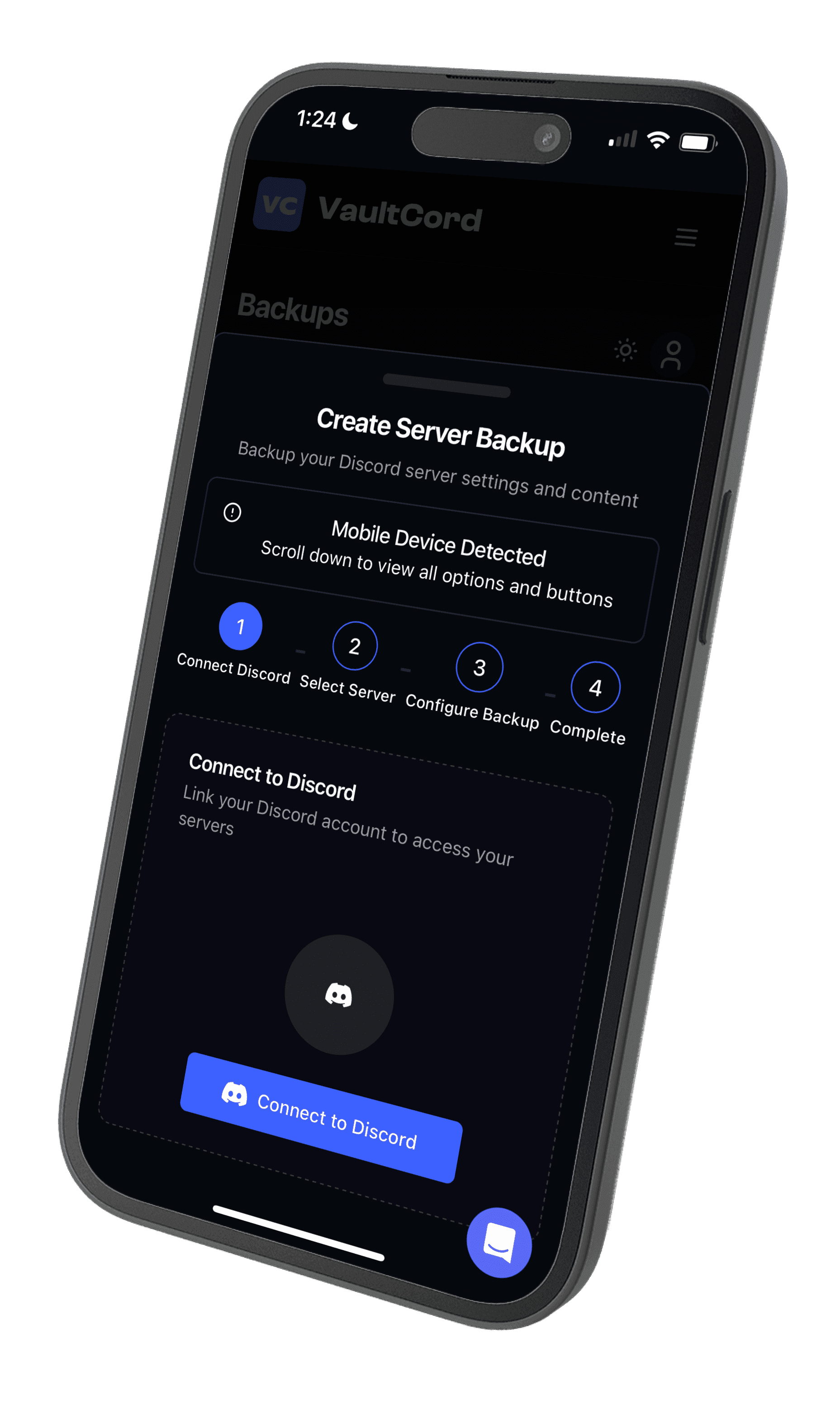
What VaultCord does for a food server
New members press Verify and pass a quick check before they see your channels. That keeps out spam accounts that post fake deals and links. Everyone who verifies is saved, so if the server is ever raided or deleted, you pull them into a new one instead of starting again.
Backups are kept for life, not rotated out after a short period. Pulls run at one member every 0.98 seconds, on every plan.
iOS and Android apps. The screen above is the real backup flow.
Unlimited staff accounts for free, invited by email, with per-server permissions.
Reviews
From server owners using VaultCord
“Best decision I made for my 15K+ member gaming server. When we got raided, I restored everything in one click. The anti-alt and VPN blocking features are incredibly effective: we've seen a huge drop in spam and fake accounts.”
“After losing my previous server to a coordinated raid, I knew I needed better protection. VaultCord not only backs up everything automatically but also prevents attacks before they happen. I sleep better knowing my community is protected!”
Reservations
Table for your server, set in four steps
- Step 1Sign inLog in to the dashboard with Discord.
- Step 2Add your botCreate your branded bot and invite it to your server.
- Step 3Set the doorPost the verify message in #verify and pick the role it gives.
- Step 4Take a backupSave channels, roles and permissions before you open up.
Guides from the kitchen
Questions
Should a restaurant have a Discord server?
If you already have regulars who talk to each other, yes. Discord suits places with a community: cafes with events, food trucks with a following, cooking classes, game cafes. For one-way announcements, a mailing list is simpler.
Is there a restaurant Discord server template?
Discord has server templates that copy categories, channels, roles and permissions. Our template page lists a channel layout you can build once and save as your own template.
Can customers make reservations through Discord?
Discord has no booking system of its own. Most places post a link to their existing booking page in a #reservations channel and use Discord for questions and changes.
How do I keep spam and fake accounts out?
Use a verify step for new members. VaultCord adds a captcha, minimum account age and password protection on every plan, and alt and VPN blocking on Premium and Plus.
What happens if the server gets deleted or raided?
With VaultCord, members who verified are saved and can be pulled into a new server, and your channels and roles are in a backup. Backups are kept for life.
How much does VaultCord cost?
Free is $0. Premium is $4.97 a month and Plus is $9.97 a month, or $2.33 and $3.83 a month on yearly billing.